iTel Agent1.0.5
Publisher Description
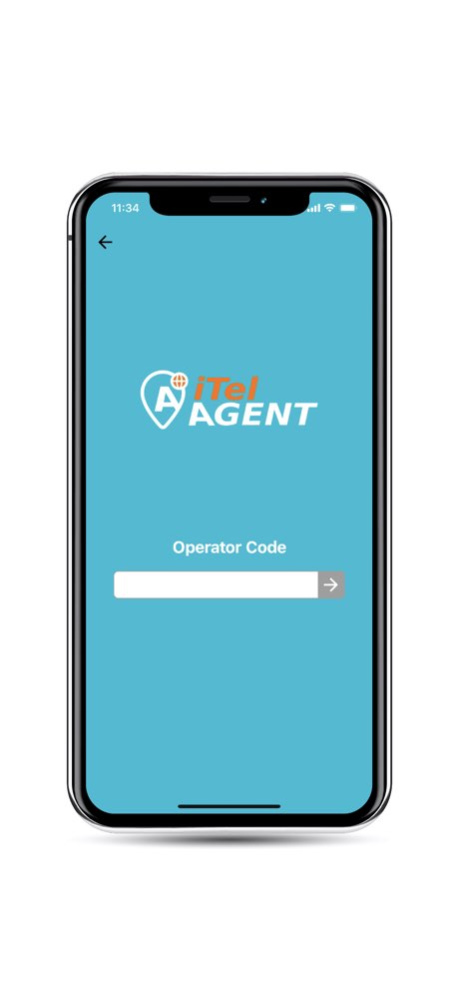


iTel Agent app is the one-stop solution for managing the day-to-day activities and transactions of a VoIP Agent or Reseller. The app makes business hassle free and cost effective for the VoIP Service Providers as well.
Hassle Free
Agents are able to generate cards along with Admins
No Security Risk
Admins assigns Card to Agents or Resellers. No need to print cards.
No Printing Cost
Sell cards via Instant activation and scanning via QR Code or via any media.
Quick Distribution
Transfer cards to an Agent or a Reseller online. Agents or Resellers can request for new cards quickly from inside the App
Profit on Sell
No Settlement Issues. An Agent or a Reseller earns more profit by selling more cards.
Version History 1. Stability improved. 1.0.5 12/04/2019 1. Stability improved. 1.0.1 10/09/2019 1.0 08/17/2019
About iTel Agent
The company that develops iTel Agent is REVE Systems (S) Pte. Ltd.. The latest version released by its developer is 1.0.5.
To install iTel Agent on your iOS device, just click the green Continue To App button above to start the installation process. The app is listed on our website since 2026-10-14 and was downloaded 0 times. We have already checked if the download link is safe, however for your own protection we recommend that you scan the downloaded app with your antivirus. Your antivirus may detect the iTel Agent as malware if the download link is broken.
How to install iTel Agent on your iOS device:
- Click on the Continue To App button on our website. This will redirect you to the App Store.
- Once the iTel Agent is shown in the iTunes listing of your iOS device, you can start its download and installation. Tap on the GET button to the right of the app to start downloading it.
- If you are not logged-in the iOS appstore app, you'll be prompted for your your Apple ID and/or password.
- After iTel Agent is downloaded, you'll see an INSTALL button to the right. Tap on it to start the actual installation of the iOS app.
- Once installation is finished you can tap on the OPEN button to start it. Its icon will also be added to your device home screen.
Program Details
System requirements
Download information
Pricing
Version History
version 1.0.5
posted on 2026-10-14
Version History 1. Stability improved. 1.0.5 12/04/2019 1. Stability improved. 1.0.1 10/09/2019 1.0 08/17/2019
version 1.0.5
posted on 2019-12-04
1. Stability improved.
version 1.0.5
posted on 2019-12-04
Dec 4, 2019
Version 1.0.5
1. Stability improved.
